
Terminals & automation
Persistent shells, exact-argv processes, and scheduled work on the owning machine.
Run the daemon on the host that should keep working: an always-on workstation, Mac, or headless Linux machine. The client can disconnect while that host keeps running agents, terminals, and scheduled work. Putting the execution host itself to sleep pauses its work; switching clients does not transfer execution.
Interactive terminals
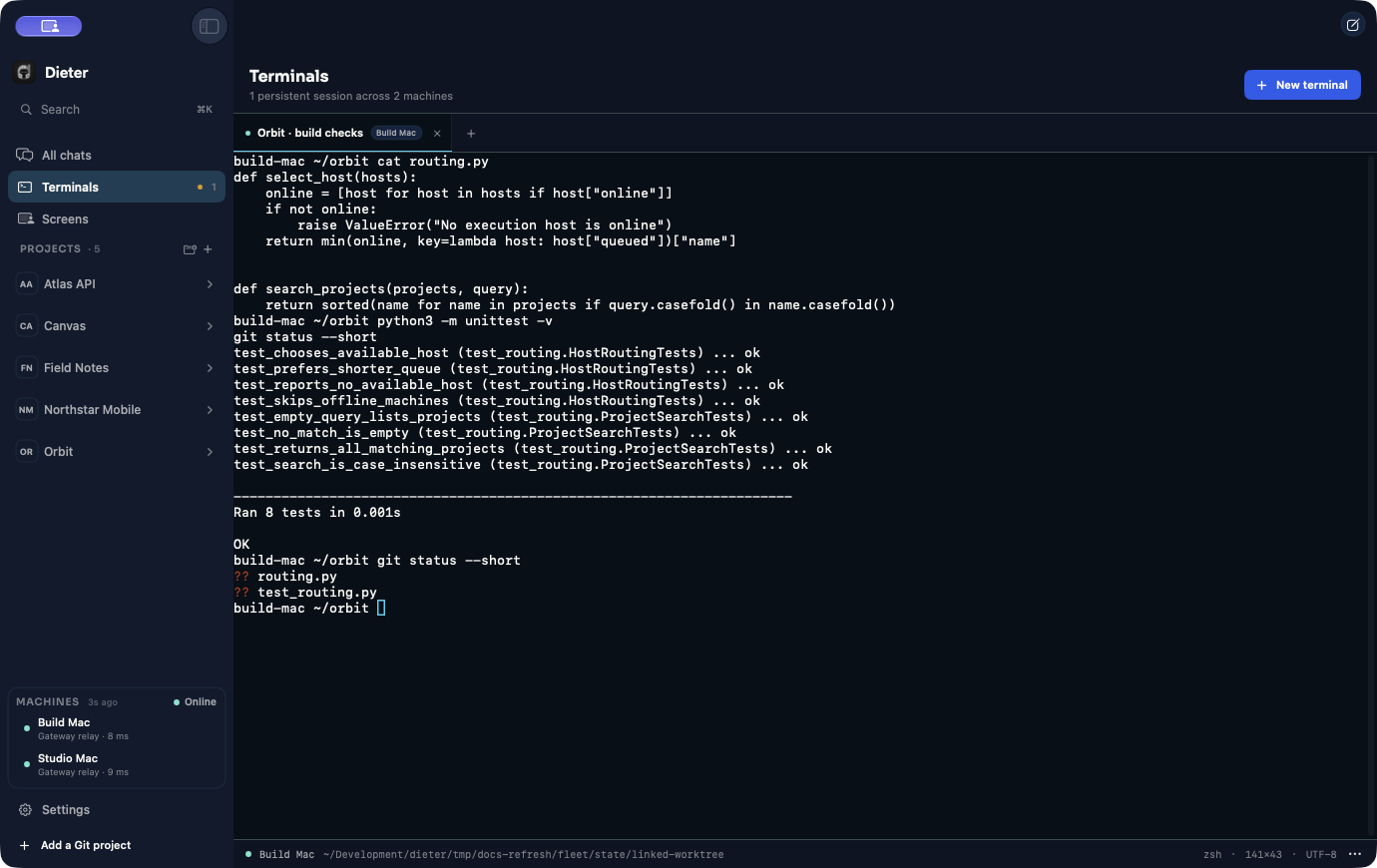
Mac and Android terminal workspaces connect to daemon-owned PTYs. A shell can start inside a project or in the selected machine user’s home. Closing the app or leaving a terminal removes its observer, not the shell. Only an explicit Close terminal action or process exit ends the session during normal use.
Install tmux on the host to retain terminal processes across daemon restarts.
Without it, persistence covers client disconnects only. Reconnection resumes
bounded sequenced output; it does not recreate unlimited historical scrollback.
dieter terminal list --format jsonl
dieter terminal create --home --name shell --format id
dieter --machine MACHINE_ID terminal list --format jsonl
Run a command without an interactive shell
dieter remote is the agent-oriented execution interface. It runs exact argv,
keeps stdout/stderr distinct, and propagates the process exit code.
dieter --machine MACHINE_ID remote exec --project PROJECT_ID \
  --idempotency-key build-42 --format jsonl -- go test ./...
dieter --machine MACHINE_ID remote wait EXECUTION_ID
Use --detach for a registered background execution. remote shell provides a
PTY when required. The CLI help lists input, output, timeout, and lifecycle
options. A disconnected watch never stops the execution; stop it explicitly.
Reuse an idempotency key only for the same intended admission, not a different
command. Remote processes do not survive daemon shutdown.
Schedule recurring work
Create schedules in a project’s Schedules view. A schedule retains one execution machine and checkout, a task template with harness selection, and an occurrence history. Preview the schedule before enabling it. You can inspect history without loading every retained occurrence:
dieter schedule list --project PROJECT_ID --page-size 50
dieter schedule runs SCHEDULE_ID --page-size 50
dieter schedule runs SCHEDULE_ID --page-token NEXT_PAGE_TOKEN
Occurrence records are authoritative. Dieter gives each occurrence a deterministic card identity and does not replay a turn that may already have been dispatched. The scheduler runs with the daemon service, not in the client.
Write bounded automations
Use exact IDs after discovery, --format jsonl for machine-readable lists,
card context for a bounded summary, and cursor-based watches for incremental
output. Never edit central Dieter storage to simulate an operation.
Transport recovery resumes observations. It does not automatically replay mutations, process starts, or stdin writes. After an uncertain mutation result, inspect its state or use its documented idempotency mechanism before retrying.
The CLI guide maps the command groups. Agents in this repository also use the Dieter CLI skill .